🔹 Key Features
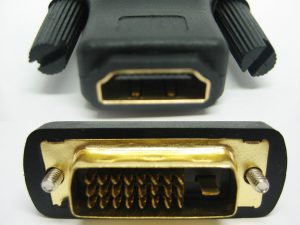
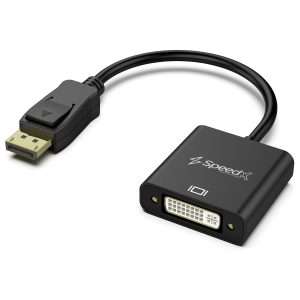
✅ Digital Signal Only (DVI-D 24+1)
✅ Supports up to 1920×1200@60Hz (Single-Link DVI)
✅ No Power Required (Passive conversion)
❌ No Audio Support (DVI doesn’t carry audio)
❌ No Analog Support (Won’t work with VGA/DVI-A)
🔹 Compatibility
✔ Works With:
HDMI 1.4+ sources (laptops, Blu-ray players, game consoles)
DVI-D displays (modern LCD monitors, projectors)
HDCP content (if both devices support it)
❌ Won’t Work With:
DVI-I or DVI-A ports (needs analog signal)
VGA equipment (requires active converter)
Audio transmission (need separate audio cable)
🔹 Setup Guide
Plug HDMI male cable into your source device
Connect other end to adapter’s HDMI female port
Attach DVI male end to monitor
Tighten DVI screws (if available)
For audio: Use separate 3.5mm/optical audio connection
🔹 Common Issues & Fixes
⚠ No Signal?
Verify source is outputting video
Check DVI port type (must be DVI-D)
Try different HDMI cable
⚠ HDCP Errors?
Ensure both devices support HDCP
Restart source device
⚠ Limited Resolution?
Set source to 1920×1200 or lower
Check cable quality (needs at least HDMI 1.4)
🔹 Technical Notes
24+1 pin DVI-D means:
24 pins for digital video
1 flat pin for analog (unused in this adapter)
Maximum bandwidth: 3.96 Gbps (Single-Link DVI)
🔹 Alternatives
For different needs:
HDMI to DVI-I: If you need analog support
Active HDMI to VGA: For VGA displays
HDMI to DisplayPort: For DP monitors
This adapter is ideal for connecting modern HDMI devices to DVI-D computer monitors while maintaining digital signal quality. Would you like help verifying compatibility with your specific devices?
HDMI to Mini HDMI Connector – Complete Guide
🔹 What Is It?
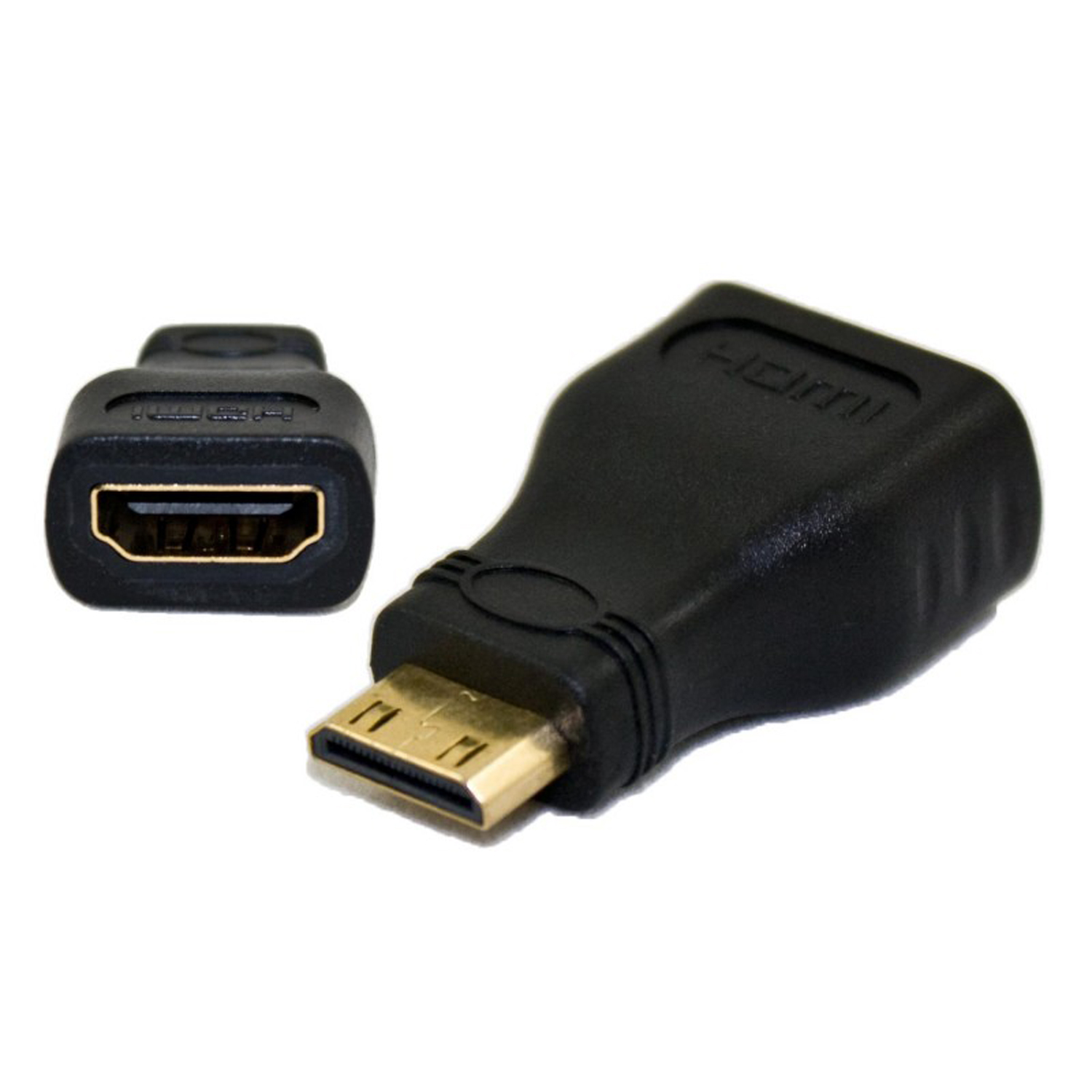
An HDMI to Mini HDMI connector (or adapter/cable) allows you to connect a standard HDMI (Type A) device (like a laptop, gaming console, or Blu-ray player) to a Mini HDMI (Type C) port (commonly found on cameras, tablets, or some laptops).
🔹 Key Features
✅ Plug-and-play – No drivers needed
✅ Supports HDMI 1.4/2.0 standards (up to 4K@30Hz or 1080p@60Hz)
✅ Compact & reversible (Mini HDMI is smaller than standard HDMI)
✅ Retains audio & video (unlike DVI adapters)
❌ Limitations:
Not for Micro HDMI (Type D) – Different size!
No signal conversion – Only changes the physical connector
Cable length affects signal quality (best under 3m/10ft for 4K

Reviews
There are no reviews yet.