
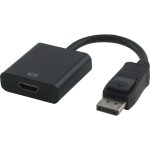
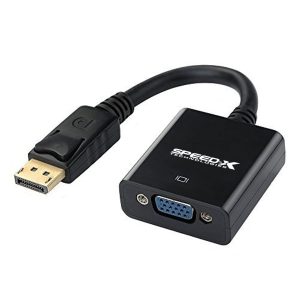
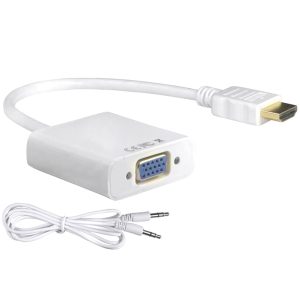
🔹 DisplayPort to HDMI Converter Basics
- Function
- Converts a DisplayPort signal (from PC/laptop) to HDMI (for monitors/TVs).
- Supports both video + audio transmission (unlike some VGA converters).
- Types
- Passive Adapter (Common): Works for DP++ (Dual-Mode DisplayPort) ports.
- Active Converter: Needed for standard DP 1.2/1.4 to HDMI 2.0/4K.
- Key Specs
- Resolution: Up to 4K@60Hz (DP 1.4) or 1080p@120Hz (DP 1.2).
- Audio: Supports embedded audio (no extra cable needed).
🔹 Compatibility Check
✔ Works With:
- Laptops/Desktops with DP or Mini-DP (e.g., MacBook Pro, Dell, HP, gaming PCs).
- HDMI Monitors/TVs/Projectors.
- OS: Windows, macOS, Linux, Chrome OS.
❌ Won’t Work With:
- USB-C Alt Mode DP (requires a USB-C to HDMI adapter instead).
- VGA/DVI Sources (needs a different converter).
🔹 Setup Guide
- Plug the DisplayPort end into your PC/laptop.
- Connect HDMI cable to the adapter and display.
- Select HDMI input on your monitor/TV.
- Adjust resolution in OS settings if needed:
- Windows: Settings > System > Display.
- macOS: System Preferences > Displays.


Reviews
There are no reviews yet.