
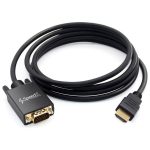
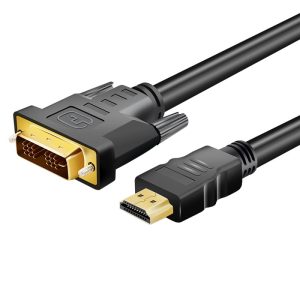
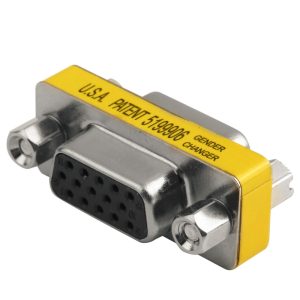
🔹 HDMI to VGA Cable Fundamentals
Active Conversion Required
HDMI is digital; VGA is analog → Built-in converter chip in cable (often in a small “box” near the VGA end).
Note: True “passive” HDMI-to-VGA cables do not exist (despite misleading product listings).
Key Specifications
Resolution: Up to 1920×1080@60Hz (1080p)
Audio Handling: Requires separate 3.5mm audio cable (VGA doesn’t carry audio)
Power: Typically USB-powered (via included USB-A cable)
🔹 Compatibility Check
✔ Works With:
HDMI 1.4+ sources (laptops, PCs, DVD players, some game consoles)
VGA monitors/projectors (blue 15-pin connector)
Windows/macOS/Linux
❌ Won’t Work With:
HDCP-encrypted content (Netflix, Disney+ may block output)
4K sources (max 1080p output)
Devices with low-power HDMI ports (e.g., some tablets)
🔹 Setup Guide
Connect HDMI end to source device.
Plug VGA end into monitor/projector.
Attach USB power (if cable has a USB-A connector).
For audio: Use the 3.5mm aux cable (if included) from source to speakers.
Tighten VGA screws to secure connection.


Reviews
There are no reviews yet.